Run the experiment the same way from the first email to the last
Sequences, AI-written messages and timezone-aware sending that don't drift while the experiment runs, so the result measures your offer and nothing else.
- ✓ Signal Check on every campaign
- ✓ No credit card required
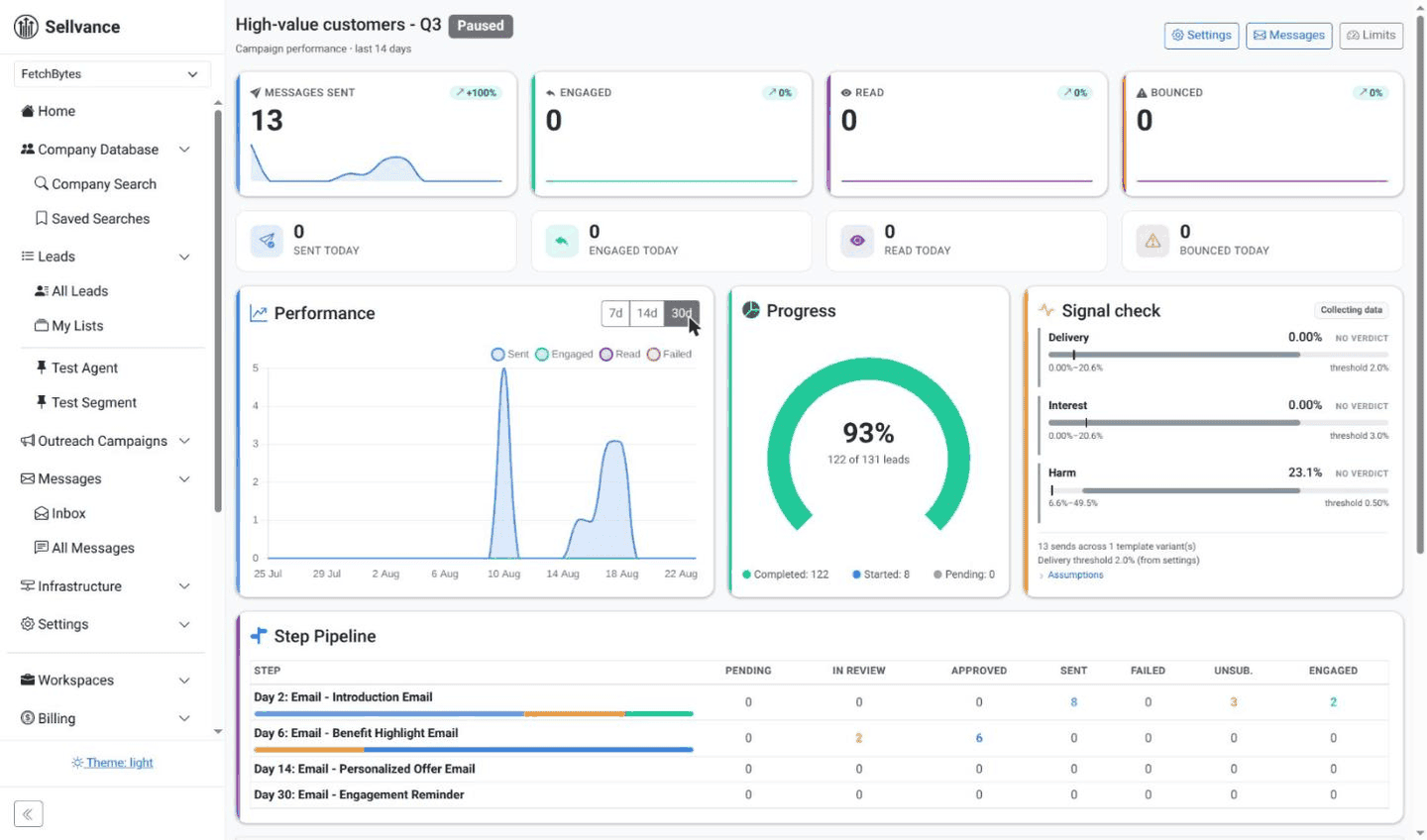
One sequence, fixed for the whole test
Set the steps and the delays between them once. Every lead in the experiment gets the same sequence, so the only thing that varies is how people respond.
- ✓ Reusable sequences you can copy for the next experiment
- ✓ Custom delays between steps
- ✓ Follow-ups sent as replies in the same thread
- ✓ Steps beyond email: API calls to your tools and tasks for your team
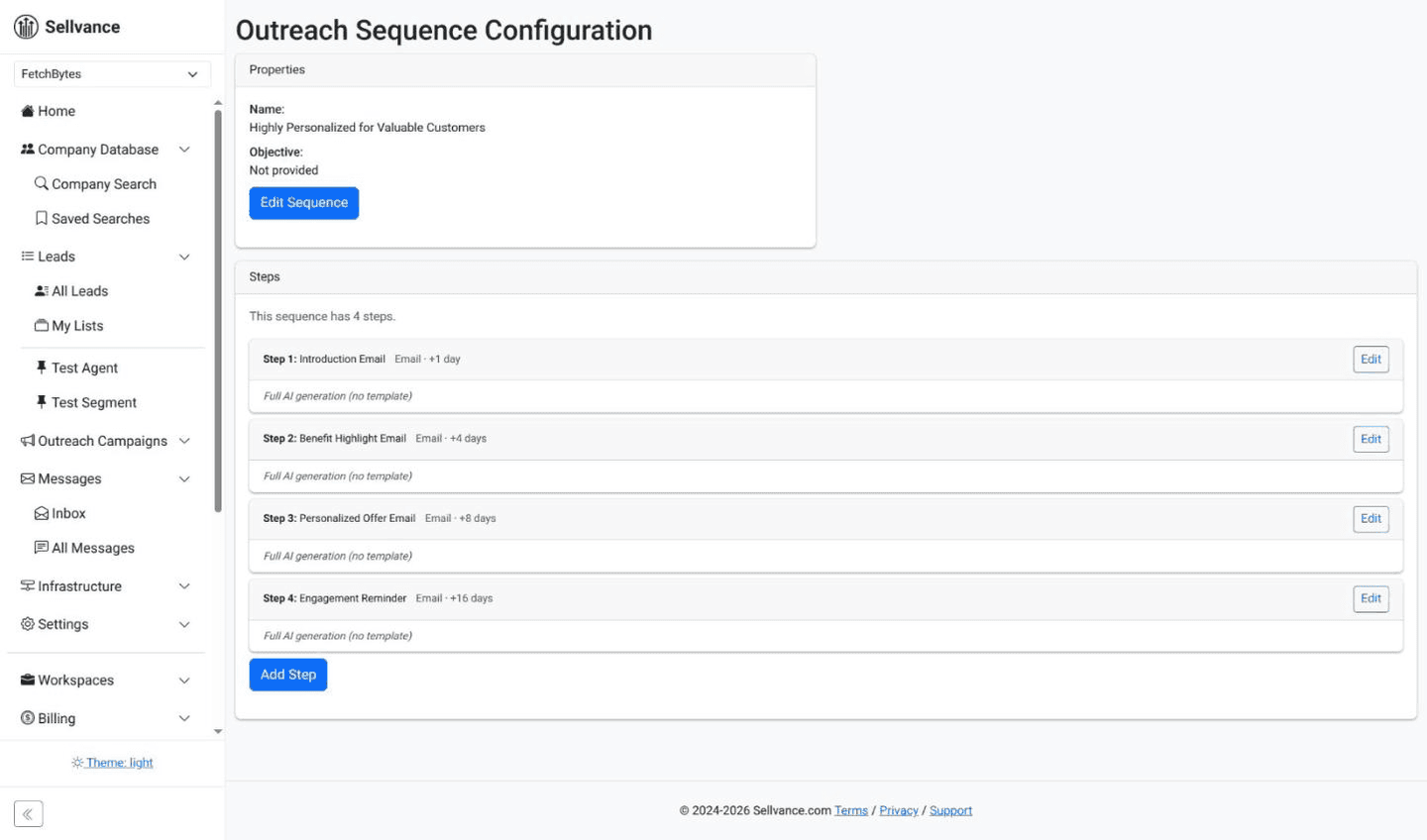
Reach a lead on more than one channel
A sequence can do more than send email. Put a call to your own systems or a task for your team between any two emails, and every lead in the campaign gets the same steps in the same order.
- ✓ API steps call any REST API: start a trial, add the lead to your CRM, or send an SMS or a LinkedIn action through the tool you already use
- ✓ What comes back, like an end date or a code, is saved on the lead for the next email to quote
- ✓ Manual steps hand a call, a LinkedIn note or a handwritten follow-up to your team, and the next email waits until it's done
Replies are tracked on email. Steps on other channels report back through the tools that run them.
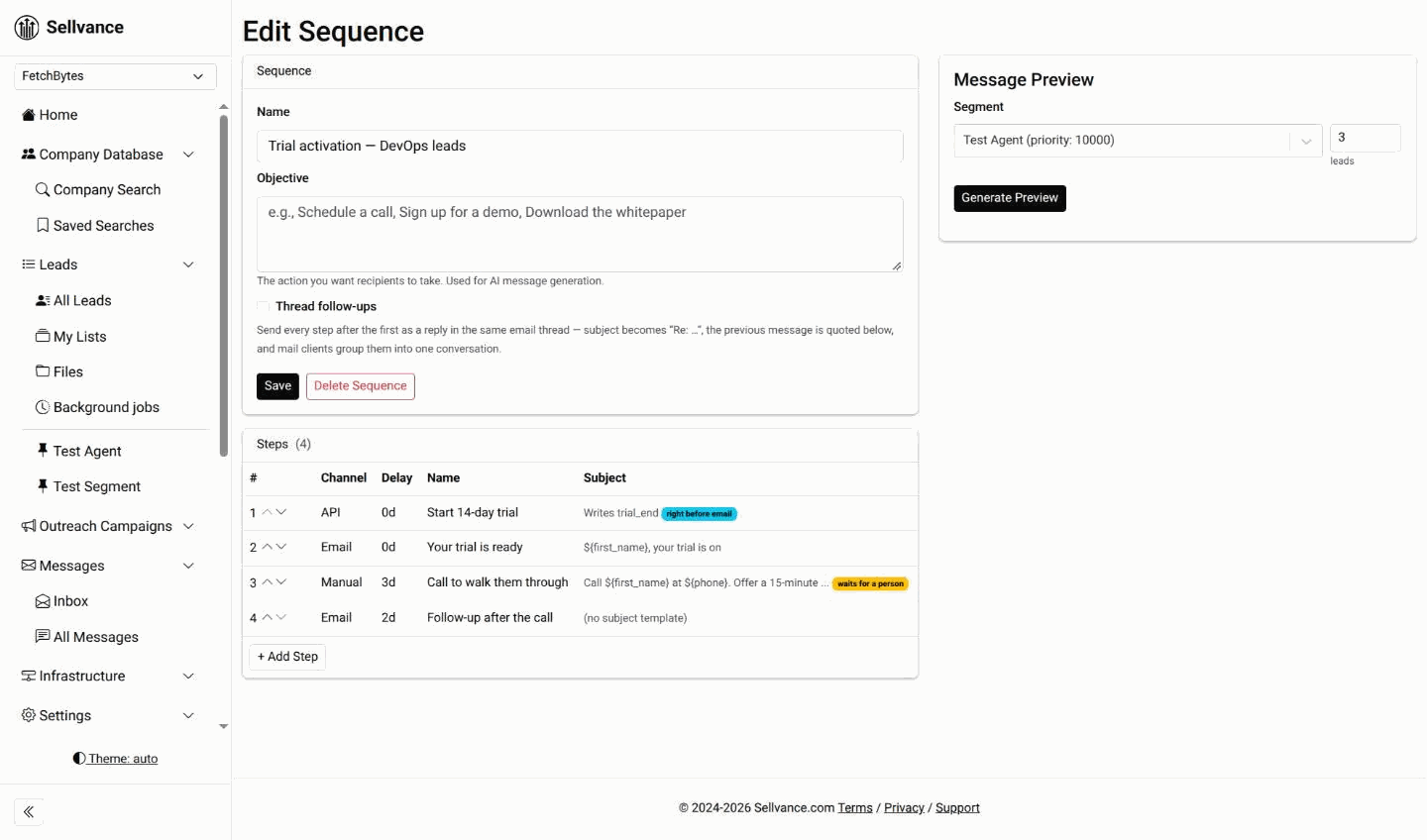
Only the lead with a problem waits
Manual steps that are due and calls that failed land on one Tasks list, each with instructions written for that lead. The rest of the campaign keeps sending while you work through it.
- ✓ Mark a task done, and the lead moves on to its next step
- ✓ Retry a failed call, finish it by hand, or take the lead out
- ✓ Retries are safe: the same request never starts a trial twice
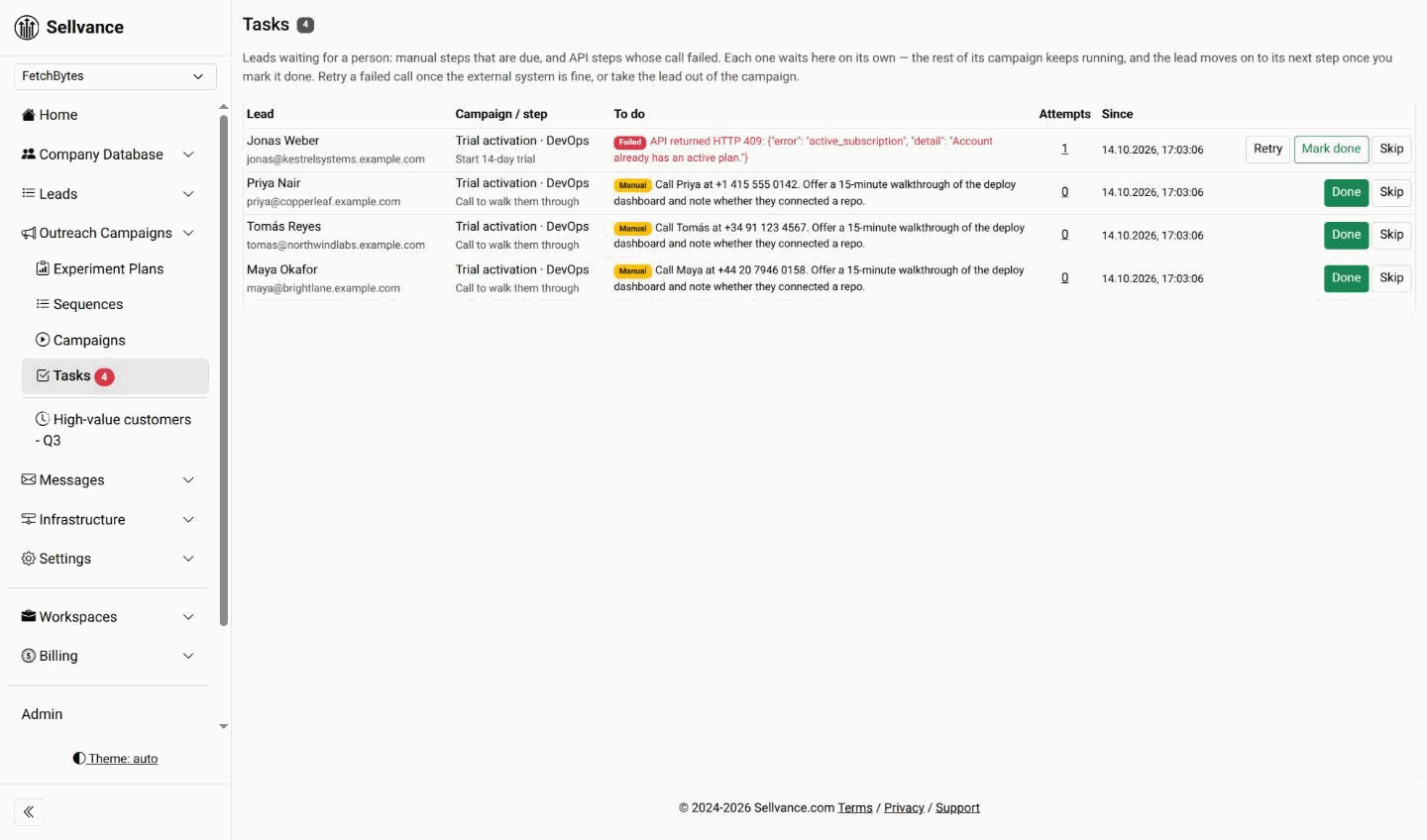
Messages written and checked by AI
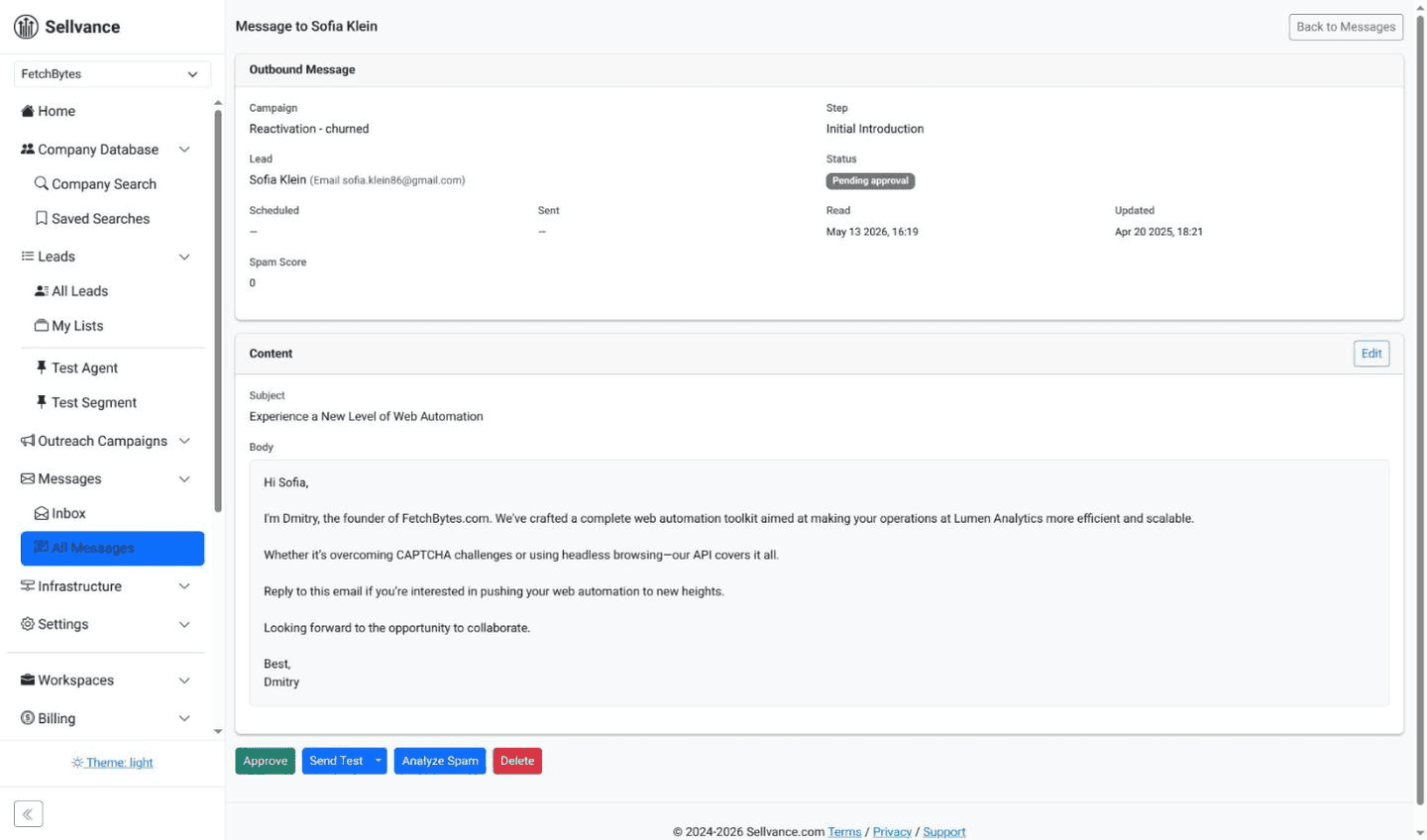
Autopilot writes each message from the lead's own data, reviews it against the same rules every time, and runs a spam check before it's queued. Check the first few by hand, then let it run.
- ✓ Personalization from each lead's fields
- ✓ A review pass before any message is queued
- ✓ Built-in spam check on every draft
Sending that treats every lead alike
Messages go out in business hours in each lead's own timezone, paced across your mailboxes, so no part of the sample gets a 3 a.m. email.
- ✓ Business-hours delivery in the lead's timezone
- ✓ Gradual ramp-up and steady pacing that protect your domain’s reputation
- ✓ Daily limits per campaign and per mailbox
Replies, bounces and a verdict
Sending is half of an experiment. Reading what came back is the other half.
Reply detection
When a lead replies, their remaining follow-ups stop, and the reply is classified as human or automatic.
Bounces & unsubscribes
Bounces and opt-outs are handled automatically, and unsubscribes count toward the harm signal.
A Signal Check on every campaign
Delivery, replies and unsubscribes tested statistically, with a verdict or the number of sends still needed.
Legal in the recipient’s country, on every email
These rules are on for every campaign. They protect you from fines and burned domains, and they keep the experiment honest.
Your identity on every email
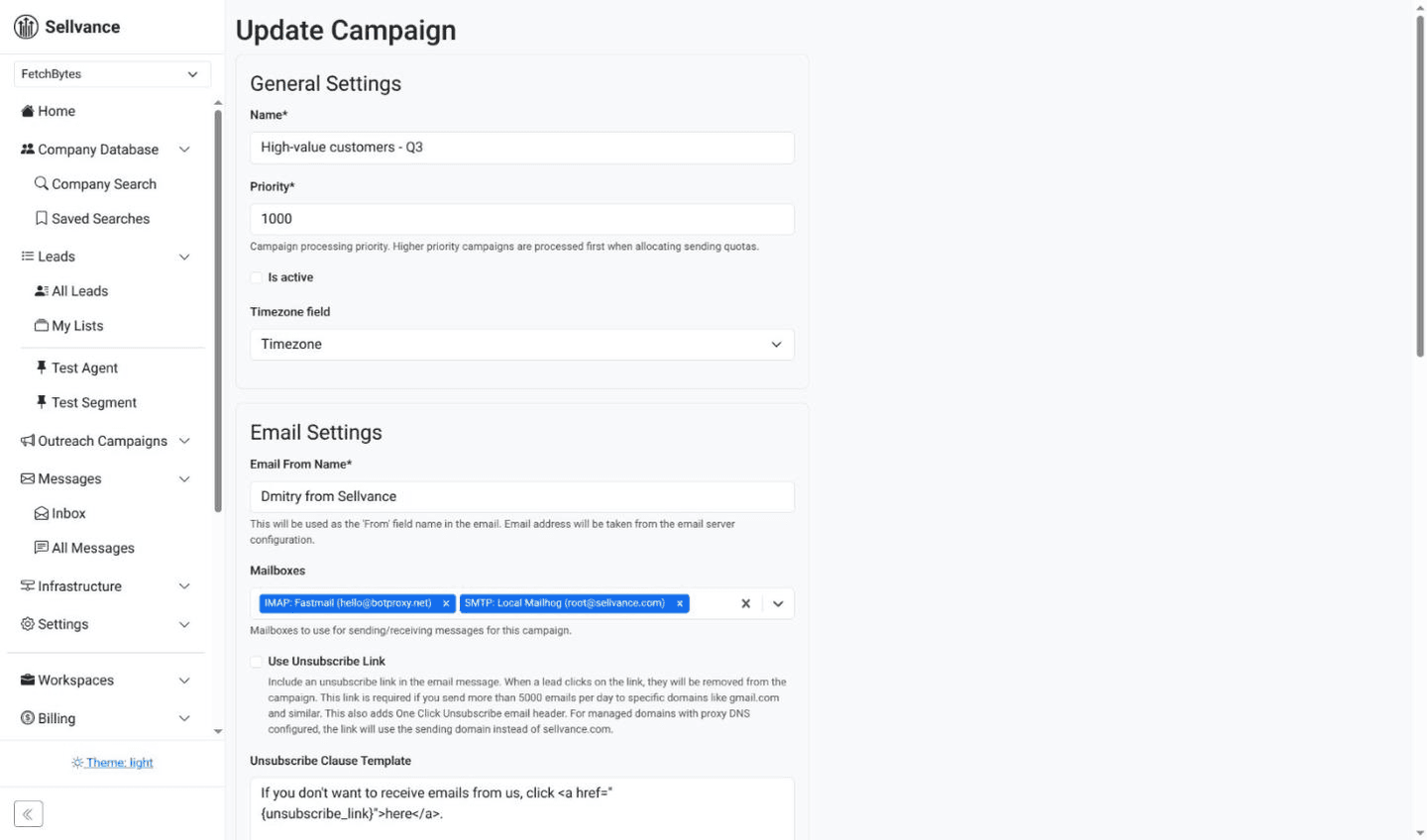
Your legal company name and postal address are added to every email, because the law in most countries requires them. It's on by default; if you turn it off, we record it and warn you.
One-click unsubscribe
Every email carries a working opt-out link and the headers Gmail and Outlook use for their own unsubscribe button. Replies like “stop” or “remove me” count too.
Opt-outs are permanent
An opt-out applies to the whole workspace. It stops every campaign for that person, now and later, so nobody on your team emails them by mistake.
The recipient’s country rules
Each lead is checked against the rules of the country they're in. Before a campaign starts, a pre-flight report shows who was left out and why.
Consent where the law asks for it
Some countries allow business email only with prior consent. Upload a consent record for a contact, and only then can that contact be emailed.
Caps and automatic pauses
Daily sending caps per mailbox, and an automatic pause when bounces, complaints or unsubscribes climb. You see the reason and decide when to resume.
Outreach for your clients, legal where their prospects are
Give each client their own workspace. The same rules apply to every one of them, and you can show the client what was checked before anything goes out.
- ✓ Their prospects' country rules. Each client's campaigns follow the law of the country every recipient is in, not the rules you or the client are used to.
- ✓ The right sender on every email. Each workspace carries the client's own legal name and postal address, so no email goes out under the wrong company.
- ✓ Opt-outs stay with the client. An opt-out stops every campaign in that client's workspace, and one client's list is never mixed with another's.
- ✓ A pre-flight report to show the client. Before a campaign starts, it lists who was left out and why. Walk the client through it before launch.
Launch your first experiment
New accounts start with 2,000 free connects. No credit card required.